Duckcraft
Adventure & Sandbox Games
About Duckcraft
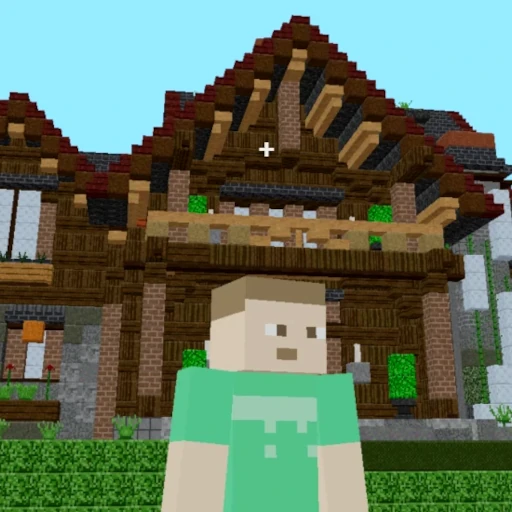
Duckcraft is a block-building sandbox with single-player worlds and a server connection option. Create a world in Creative to experiment with building, or choose Survival for resource gathering. The world menu includes import and export tools for keeping a copy of your work.
A keyboard and mouse are recommended. Default keys can be changed under Options → Controls → Keybindings.
Duckcraft controls
- W A S D
- Move; use the mouse to look around.
- Space
- Jump.
- Left / right click
- Break or attack / place or use the selected item.
- E
- Open your inventory.
- Left Shift / Ctrl
- Sneak / sprint.
- Q
- Drop the selected item.
How to play Duckcraft
- Choose Singleplayer, then Create New World and enter a world name.
- Use the Game Mode button to choose Survival or Creative, then create your world.
- Practice placing and removing a few blocks before starting a larger build.
Tips for your first session
- Start a small Creative practice world to learn the inventory and placement controls.
- Keep an easy-to-recognize landmark near your starting area so you can find your way back.
- Back up important worlds before changing browsers or clearing browser storage.
Duckcraft help & FAQs
How do I back up a Duckcraft world?
Return to the Singleplayer world list, select your saved world, and use Export. Keep the exported file somewhere safe; the same menu has Import for bringing a world back.
Why are my keys different from this guide?
These are the defaults. Open Options → Controls → Keybindings to see your assignments. Click inside the player again if the page is receiving the keys instead.
What can I try if Duckcraft runs slowly?
Reduce the render distance in the game’s options and close other demanding tabs. Test a smaller single-player world to see whether the issue is performance or a server connection.