Dublix
Adventure & Sandbox Games
About Dublix
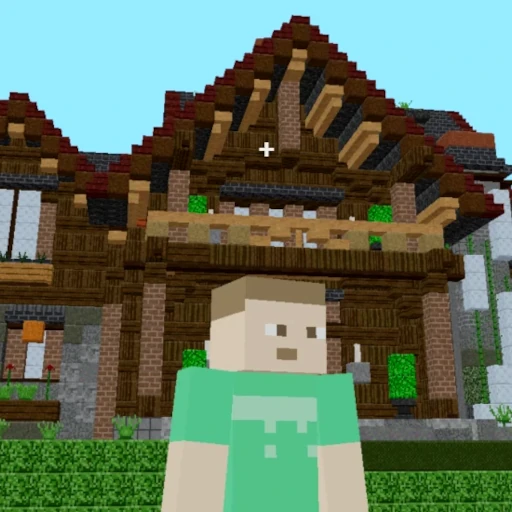
Dublix drops your blocky character into a shared 3D town. Explore with other players, try parkour, and look for activities around the map. The opening menu lets you choose a nickname and avatar before connecting to a room.
A keyboard and mouse are recommended for movement and camera control. Click inside the game before using the keys.
Dublix controls
- W A S D / arrows
- Move around the town.
- Space
- Jump.
- Left Shift
- Run.
- E
- Interact when prompted.
- B
- Open emotes.
How to play Dublix
- Choose your nickname and avatar on the opening screen.
- Leave Join Friends empty for a random room, then select Connect.
- Practice moving and jumping near the starting area, then explore one activity at a time.
Tips for your first session
- For parkour, stop and line up each jump before trying to run the whole route.
- Use landmarks to remember which parts of the town you have already explored.
- Follow the prompts at each activity; the town contains more than one kind of challenge.
Dublix help & FAQs
Do I need a room code to start Dublix?
No. The opening menu says to leave Join Friends empty for a random room. Only fill it in when you have the room details needed to join friends.
Why is Dublix stuck on Connecting?
Check your connection, refresh the page, and try joining with the friend field empty. The multiplayer server must be available; if it is down, try another game and return later.
Why does the page move instead of my character?
Click inside the game so it receives keyboard input. Fullscreen can give the town and its controls more room. If a chat field is open, close it before moving.